
01 / STYLE
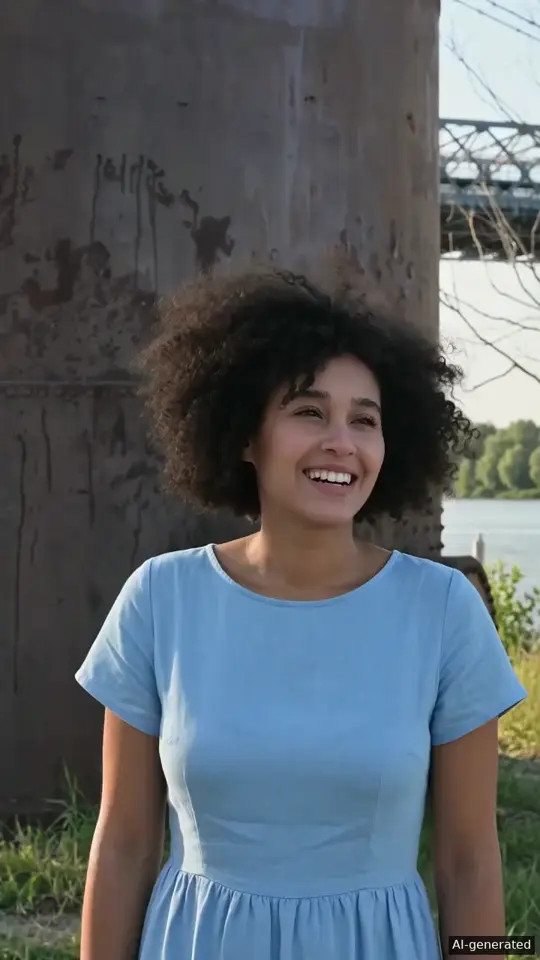
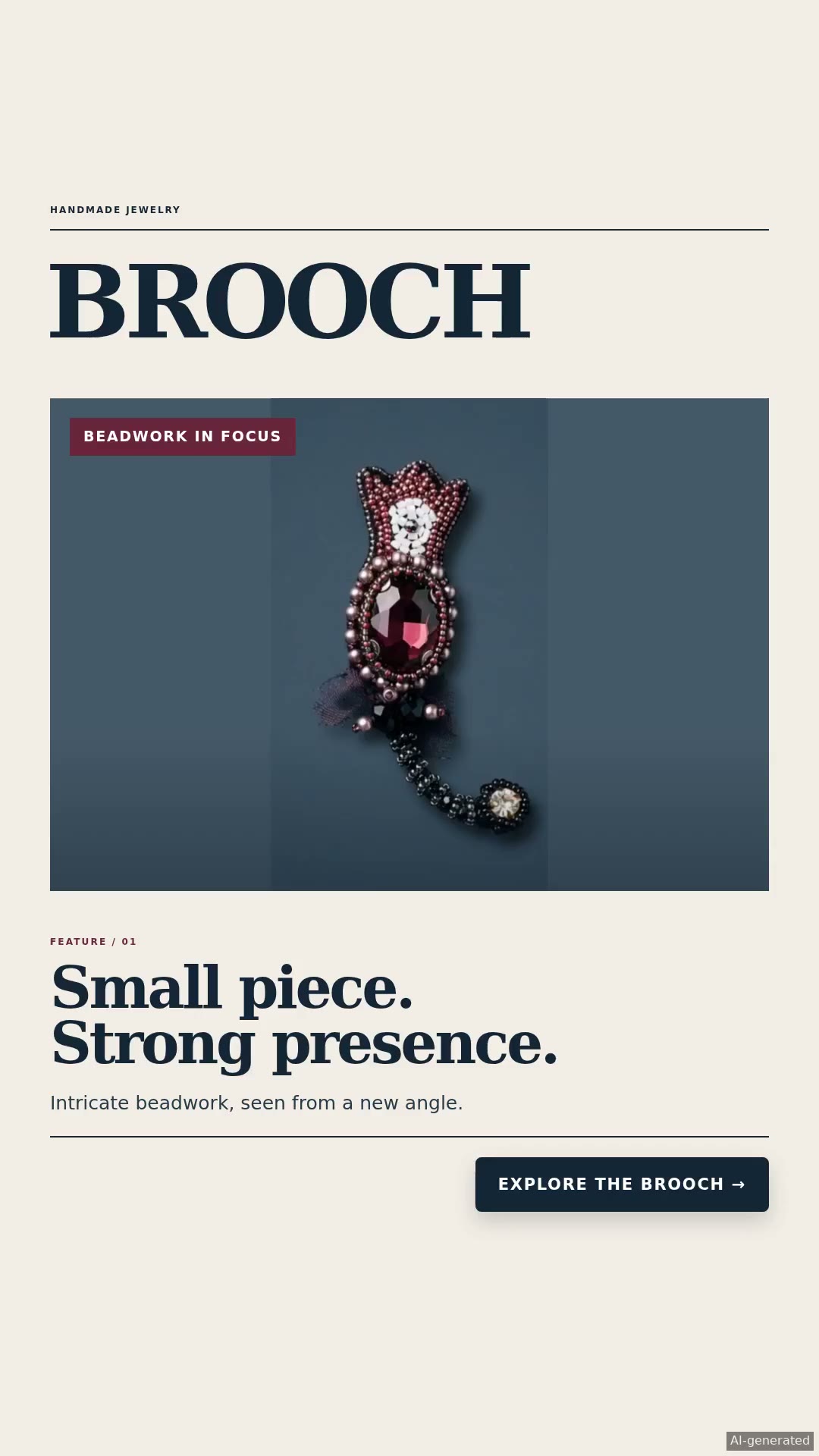
Take the same footage somewhere new
Keep the useful moment. Change the visual world, lighting, and campaign mood.
Upload a video to restyleStart with an image or video. Explore a new setting, add motion, or combine the result with ad copy. Review the finished asset before publishing.
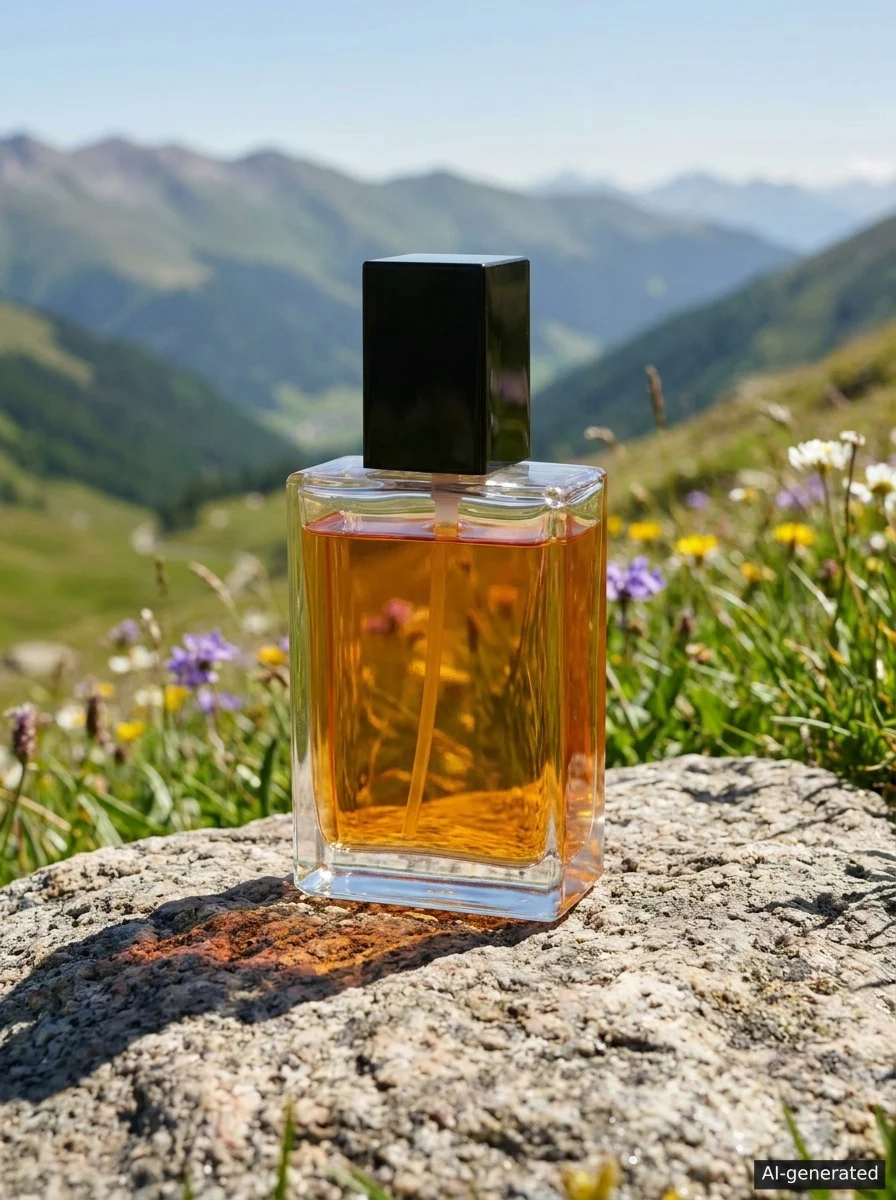
Made from existing assets. See the source and result below.
ONE SOURCE · MANY OUTCOMES
Compare three examples of changing an existing asset.

Keep the useful moment. Change the visual world, lighting, and campaign mood.
Upload a video to restyleUse an existing photo as the starting frame for a short video.
Animate my photo
Add the composition, copy, and call to action for the format you need next.
Create my video ad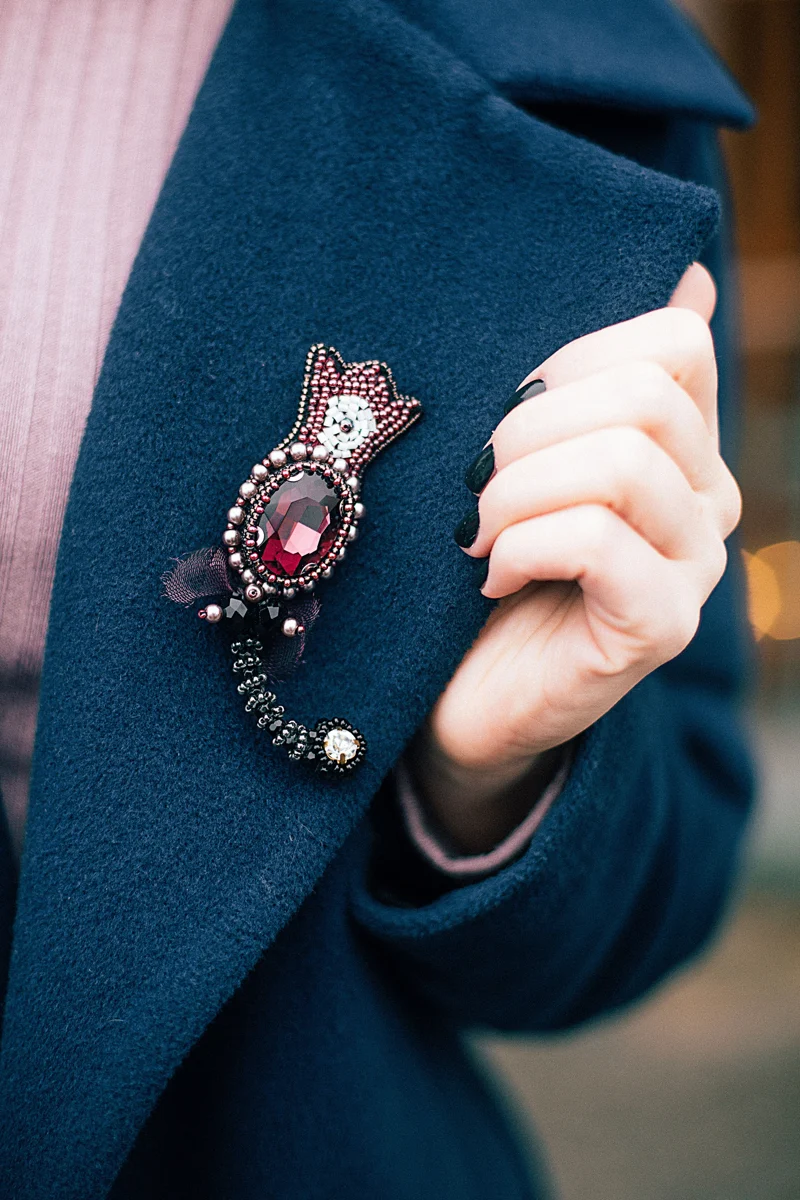
START WITH A PREPARED WORKFLOW
Choose a starter workflow, then add your asset. Review its instructions and model settings before generating. You can edit the steps on the canvas.
Prepare my workflowFROM ASSET TO AD
Start with an image or video you already have.
Shape the prepared workflow and creative direction.
Generate a new ad from the direction you reviewed.
YOUR NEXT DIRECTION STARTS HERE
Choose an image or video to upload it to Nova Creative and open a prepared workflow. Generation is paid; review the workflow before running it.
PNG, JPEG, WebP, GIF, MP4, MOV, or WebM · up to 49 MB
Choosing a file uploads it to Nova Creative and opens a prepared workflow.
Separate fixed art direction from changing inputs, test a small image workflow, and save a process you can reuse for the next creative brief.
Read guide Creative productionExplore distinct visual directions from a shared brief while keeping requirements stable and limiting unnecessary generation.
Read guide Video productionPrepare an approved still, describe one clear motion, and review the resulting clip before using AI video in a product campaign.
Read guide