YOUR PRODUCT. A NEW LOOK.

Combine your product photo with an ad layout, headline and call to action. Edit the text for your offer.
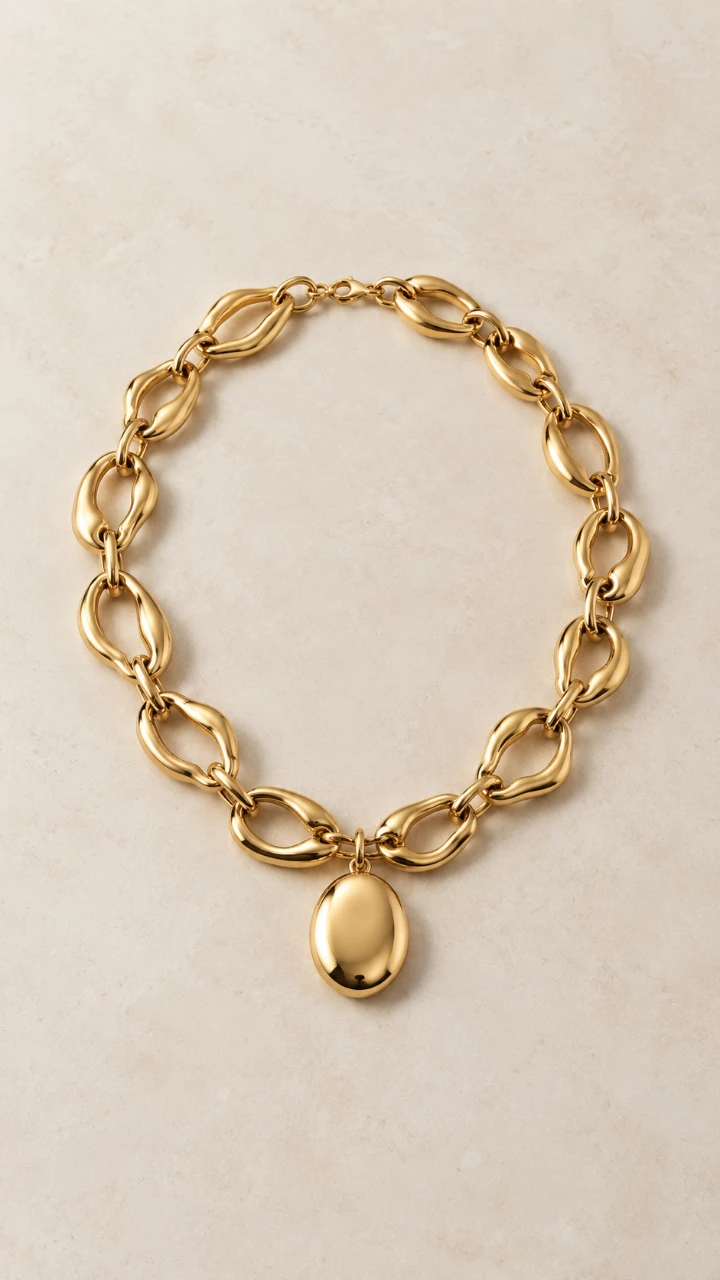
  • Gold sculptural pendant necklace
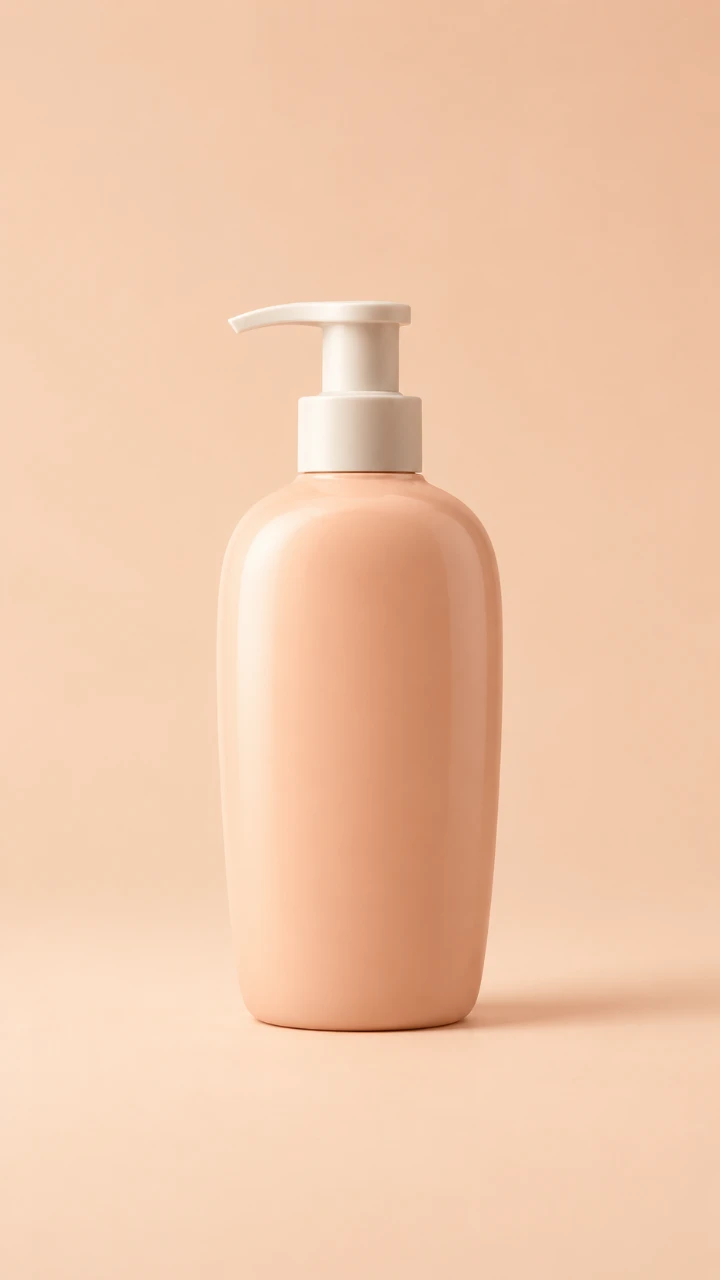
  • Peach shampoo bottle with white pump
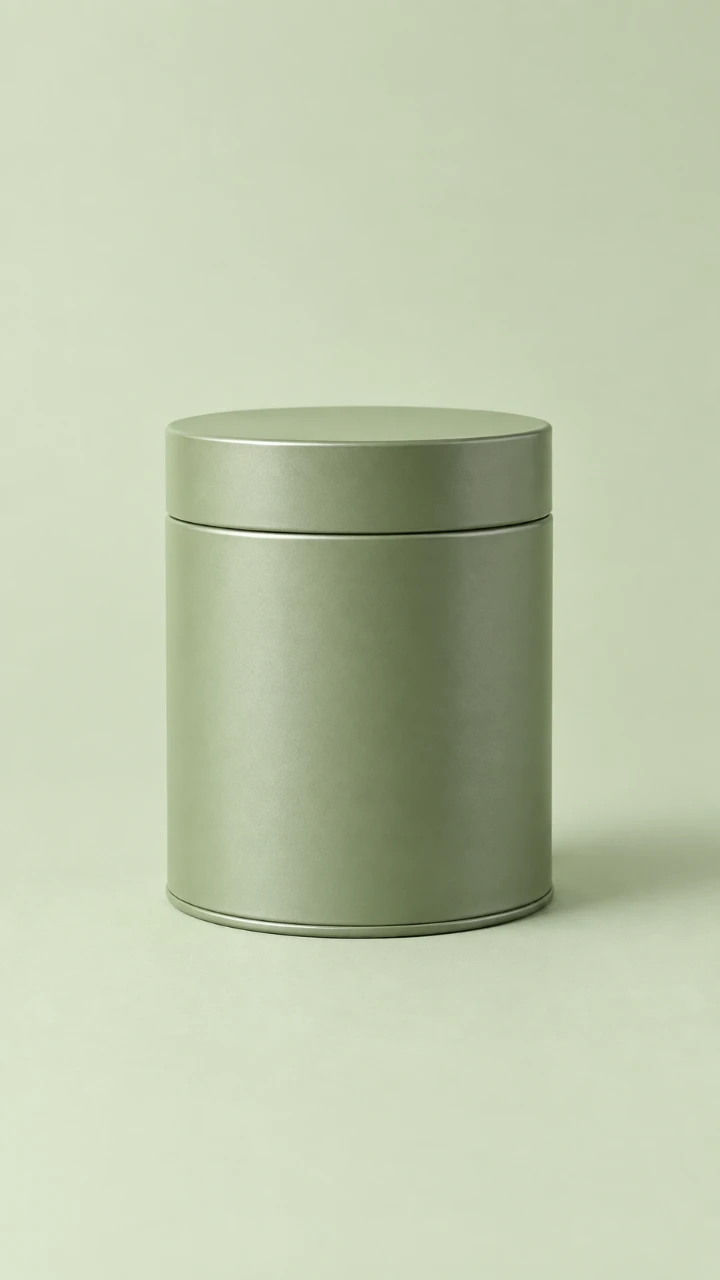
  • Minimal sage green matcha tin
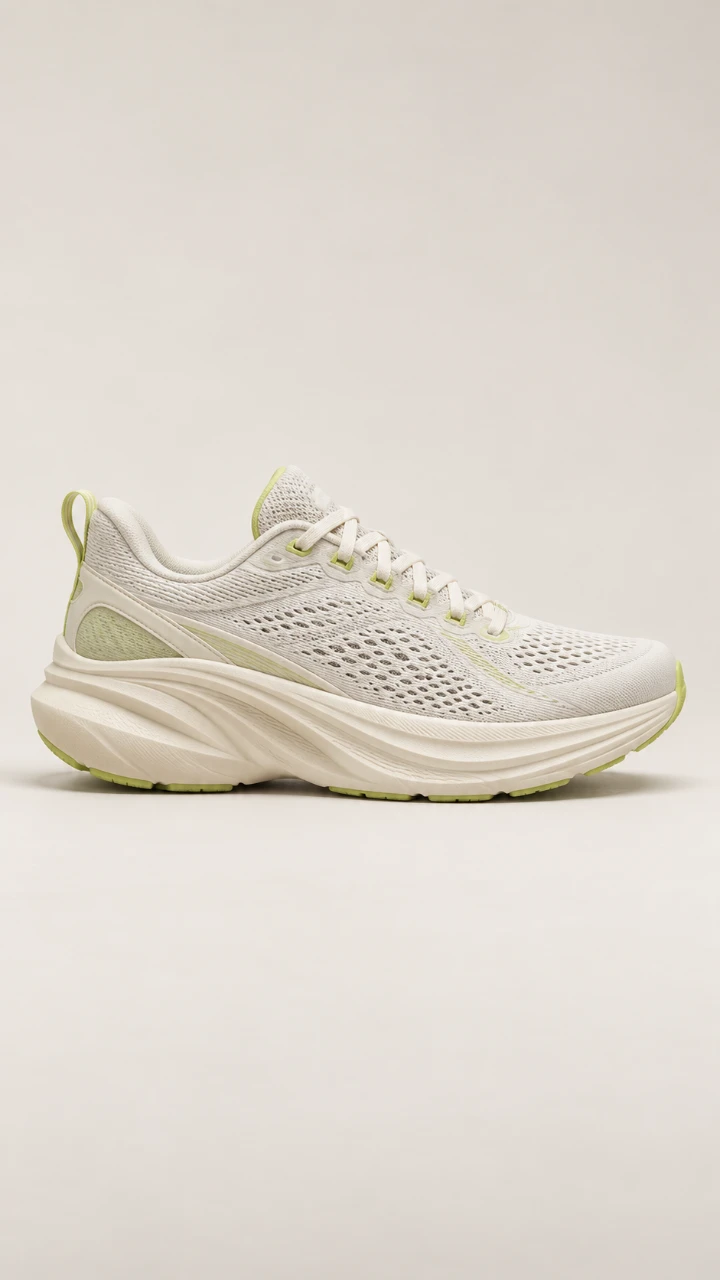
  • Ivory and lime technical running sneaker
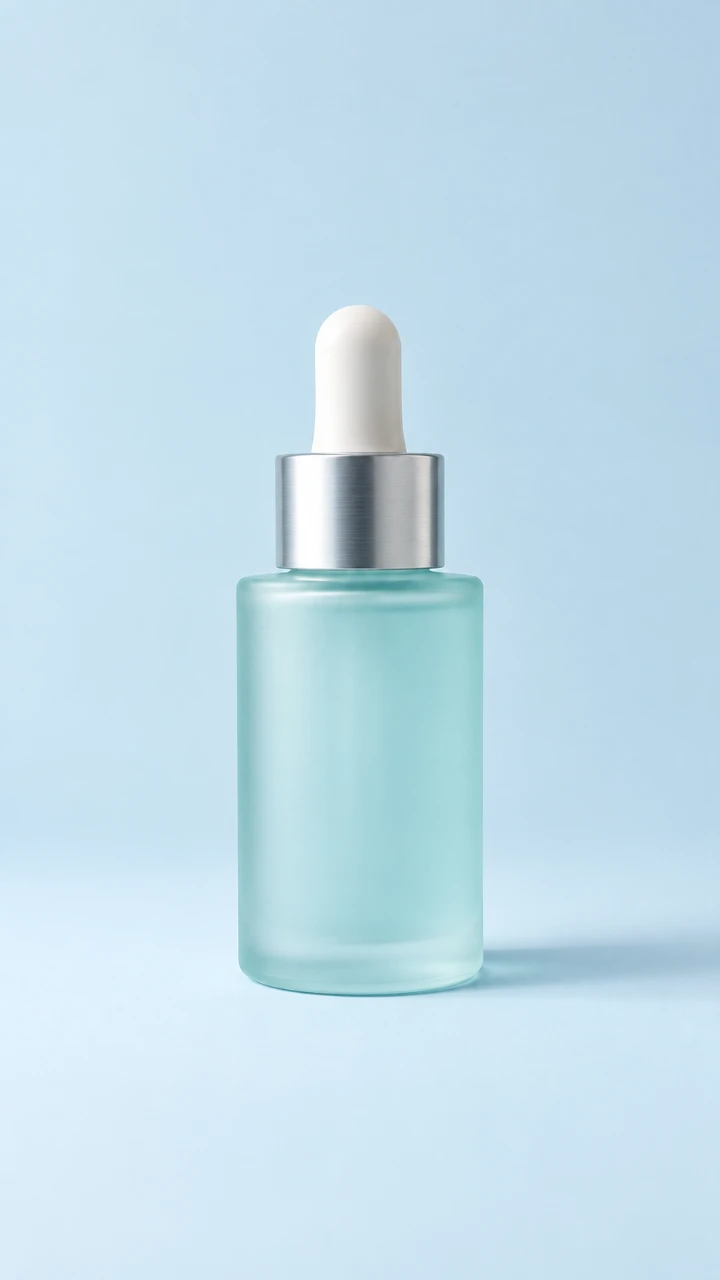
  • Frosted aqua skincare serum bottle
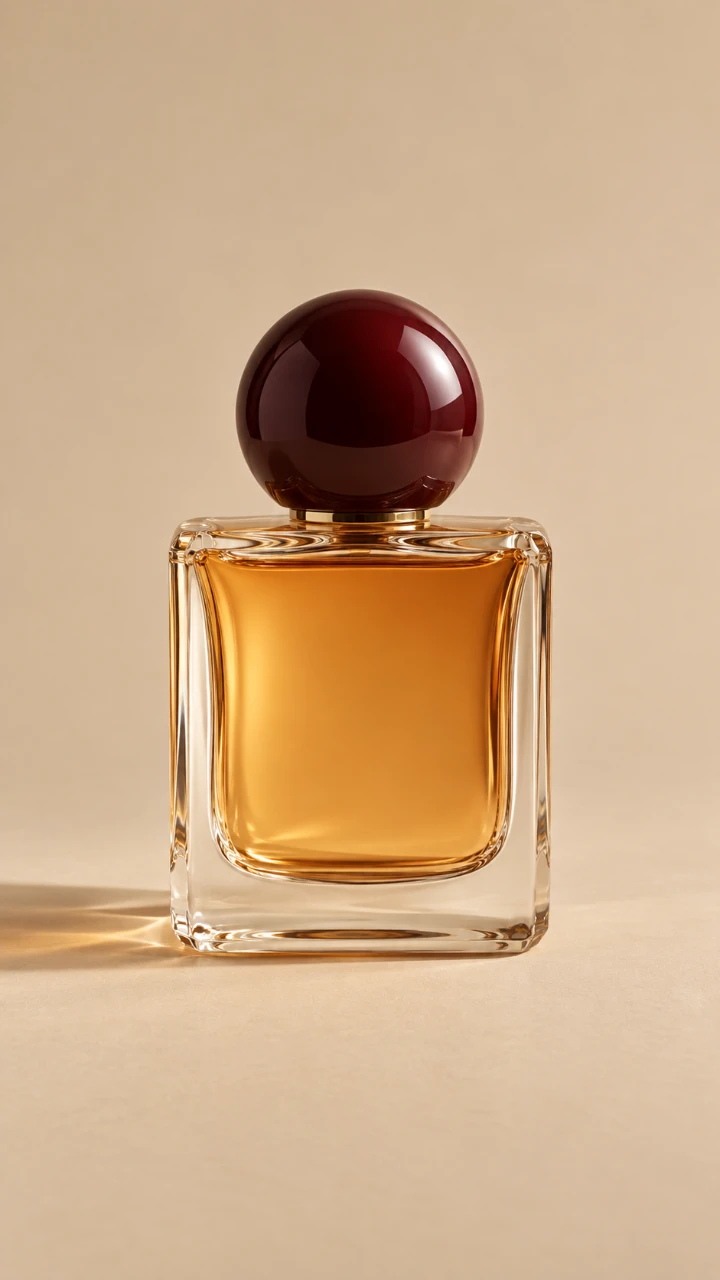
  • Amber perfume in a sculptural glass bottle
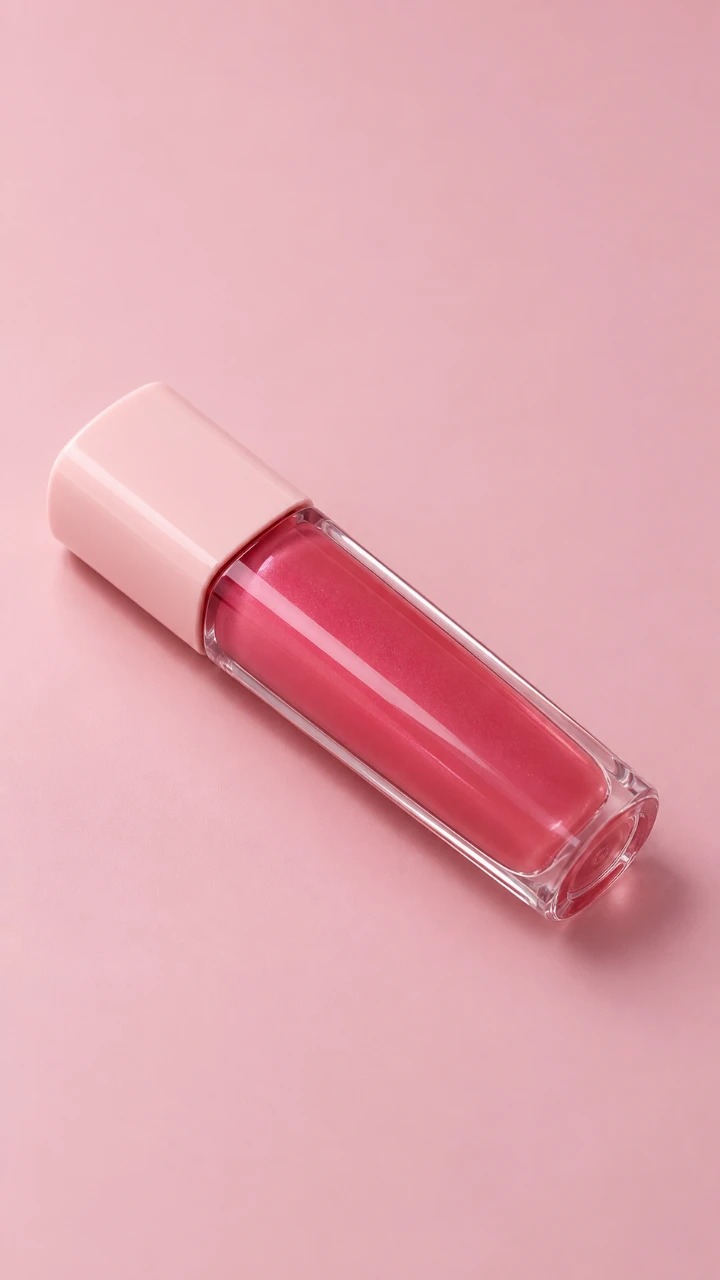
  • Cherry pink lip oil in a clear tube
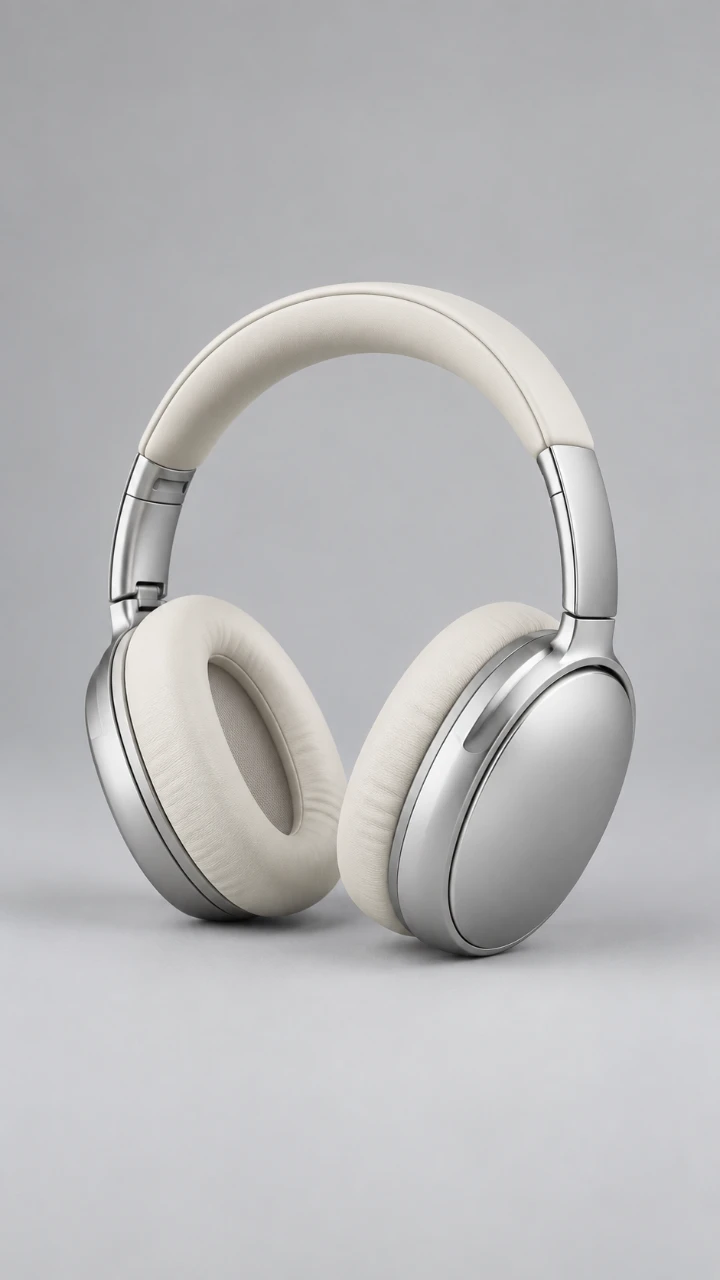
  • Silver over-ear wireless headphones
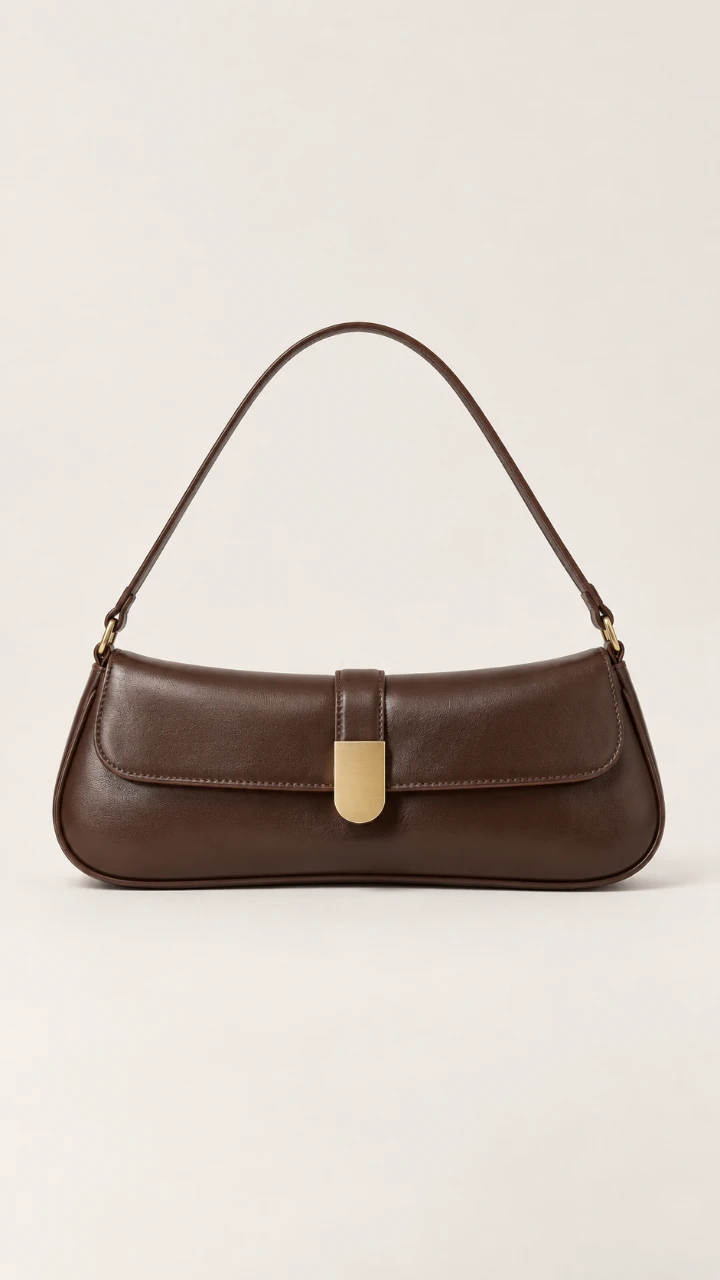
  • Chocolate leather east-west shoulder bag

ONE PRODUCT PHOTO. A NEW AD.
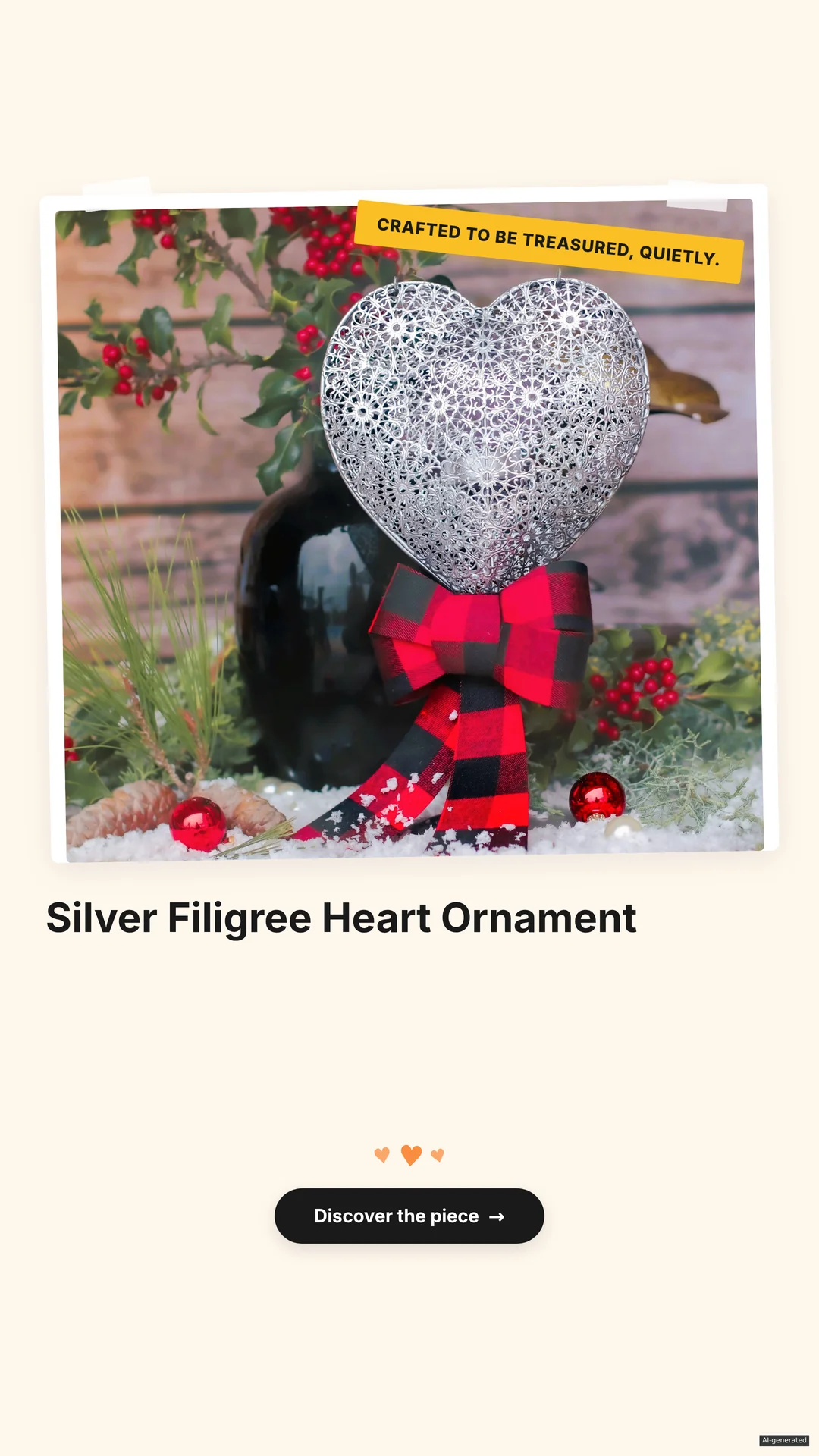
Product photo
01 / YOUR PHOTOThe starting point.
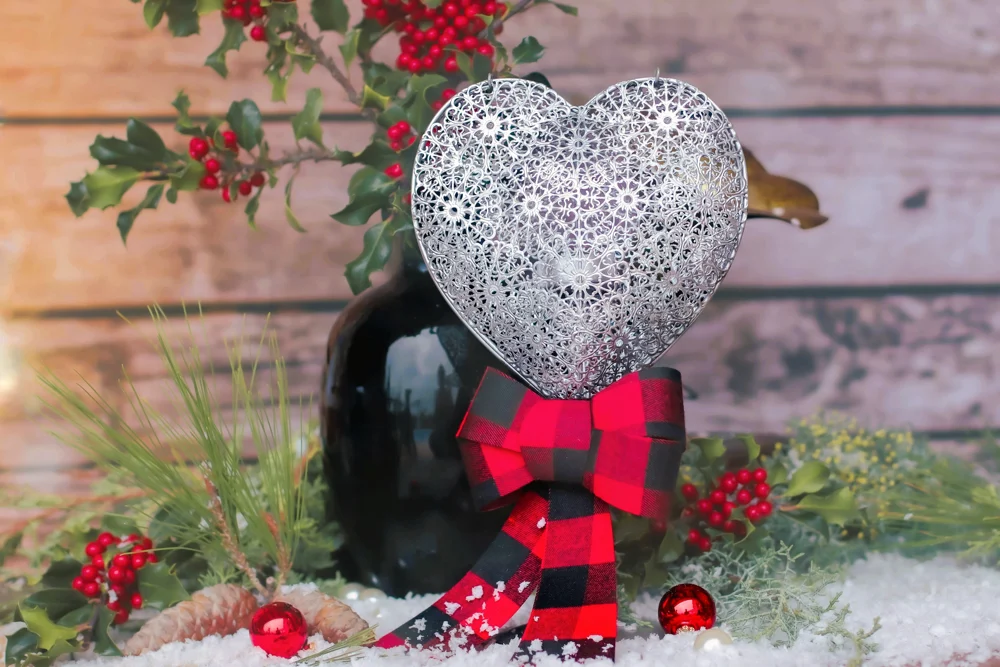
Example image ad featuring a holiday ornament.
02 / IMAGE ADAdd a layout and message to your photo.

AI-generated examples for illustration. Review product details, text and logos before publishing.

START WITH YOUR PHOTO.

Upload your product photo. Add your offer. Create a new image ad for your next campaign.
Your next image adPHOTO → IMAGE AD
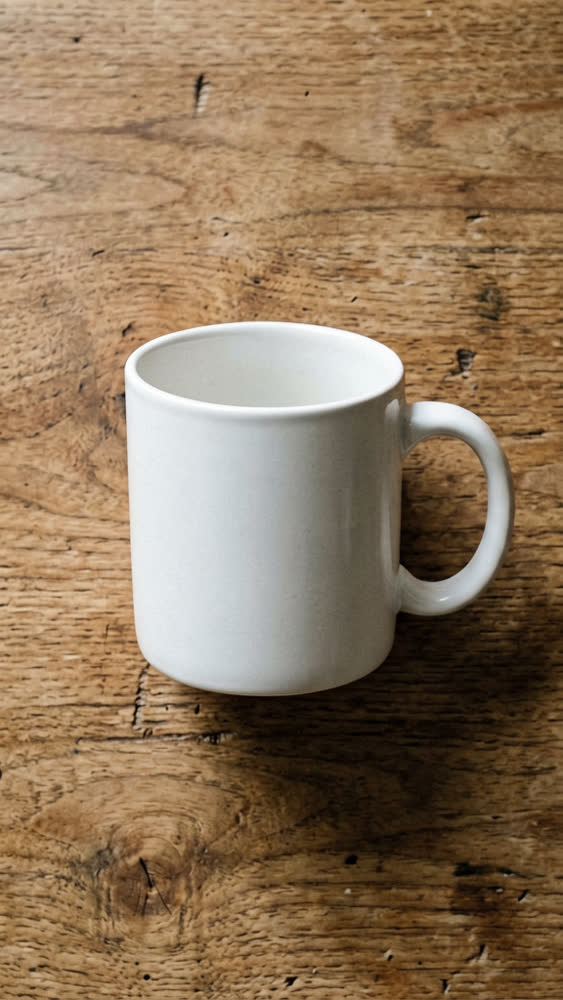
A simple product photo of a white mug

ONE PHOTO TO START

Bring the product.
Explore the possibilities.

Upload product photo
Drop your creative hereor choose a product photo

PNG, JPEG, WebP, GIF · up to 49 MB
Preview your photo first. Continue when you are ready to choose your video scenario.

Editor access is free. AI generation may require credits; check the price in Creative before starting.

CONTINUE WITH A CHAT.

Describe the image or video you want. Nova helps build a workflow you can review and run.

Start with Nova
Product photo → video direction

Choose image and video models in one workspace

  • Flux
  • SDXL
  • Kling
  • Veo
  • Wan
  • Hailuo
  • MiniMax
  • Seedance
  • Stable Diffusion
  • Nano Banana
  • PixArt
  • Hunyuan
  • CogVideo
  • LTX-Video

YOUR NEXT CREATIVE TEST

From product photo to your next image ad.

A simple start. Full control when you need it.

  1. Upload your asset

    Start with your own product photo or an existing creative.

  2. Choose your scenario

    Continue with your own product. Choose a scenario, confirm the text and check the operation price.

  3. Create, review and download

    Create your video after checking the price, inspect the product details and download your approved result.

READY FOR YOUR NEXT CAMPAIGN?

Your product.
Your next image ad.

Start with your product photo. Edit the layout and message, review the result, then test the ad in your campaign.

View generation pricing →

BEFORE YOU START

Is AI generation free?

Access to the editor is free. AI generation can require credits. Creative checks the price for your chosen operation before you start. Any free preview depends on account eligibility and has its own limits.

Does Nova Creative test my ads?

Nova Creative helps you create variations. Compare their performance by running your own advertising tests.

Which language is the editor in?

The product journey supports English, French, German and Russian. Other editor screens support English, French and Russian. German checkout screens may appear in English.