
Nova Creative in ChatGPT

Create in ChatGPT.
Keep the workflow in Nova.

Turn client briefs into images and short videos, then revise the saved workflow when feedback arrives.

Developer preview. Public plugin directory listing pending approval.

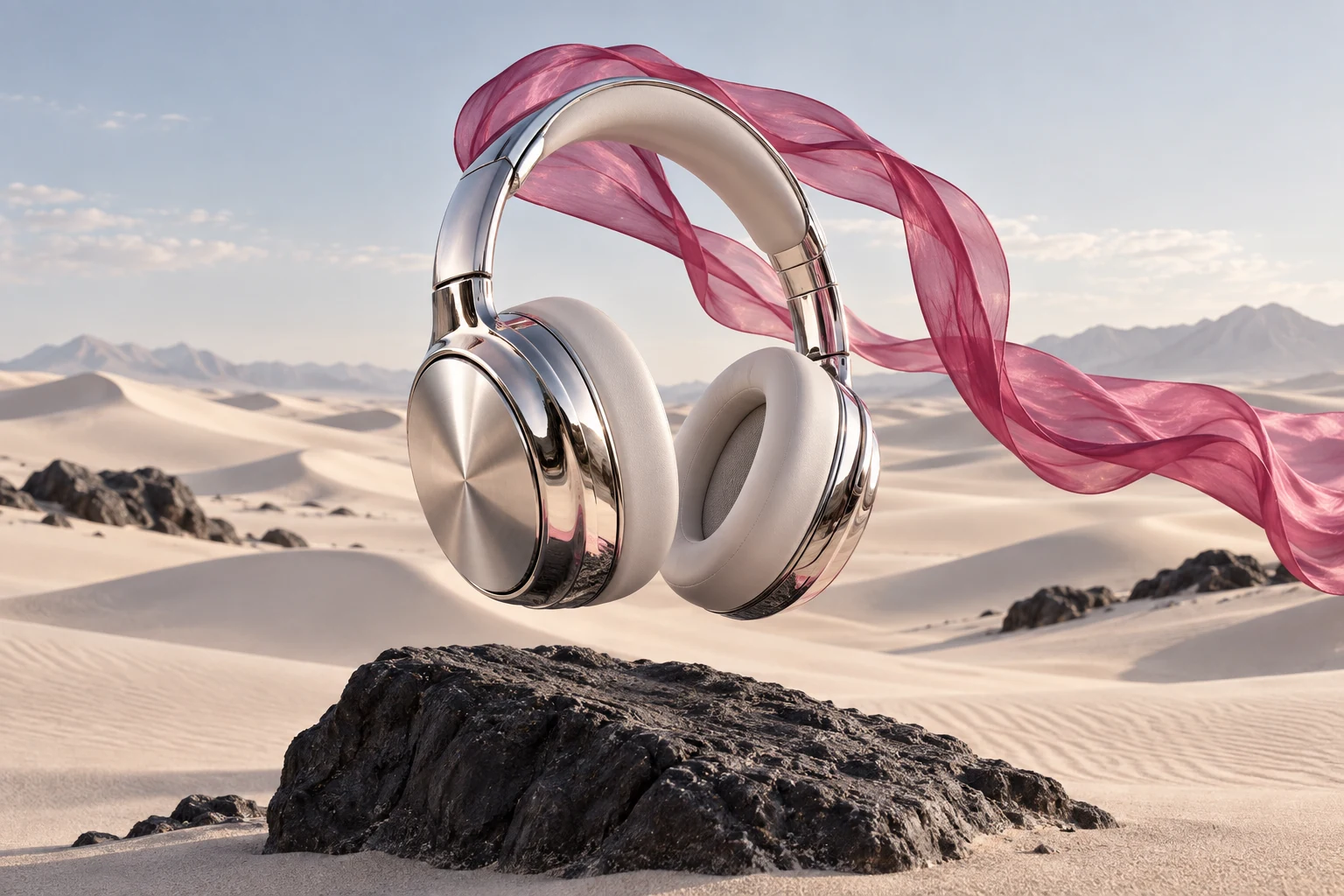
Headphones with soft daylight and a warm neutral backgroundNatural daylight
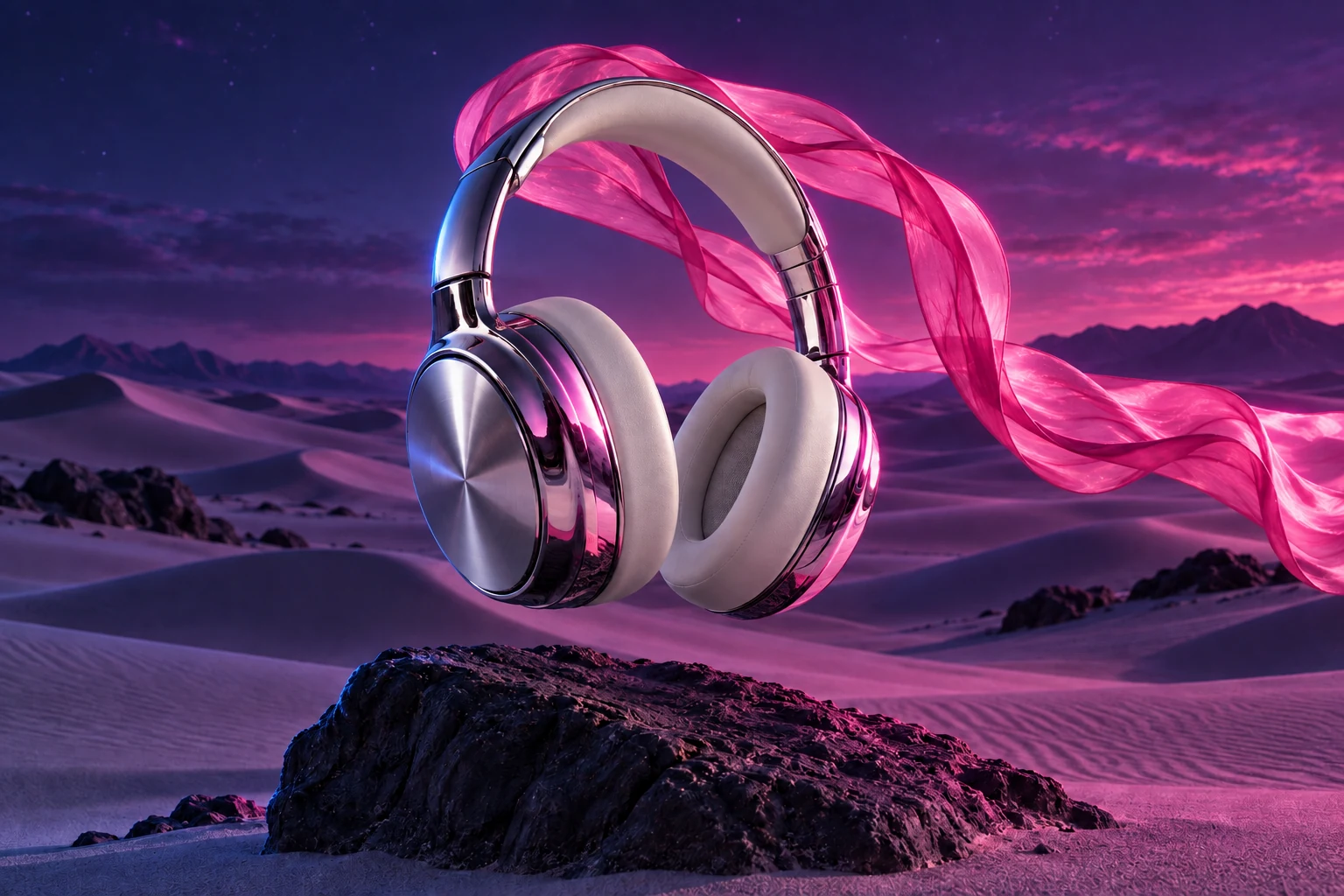
Headphones framed by bright neon lightNeon studio
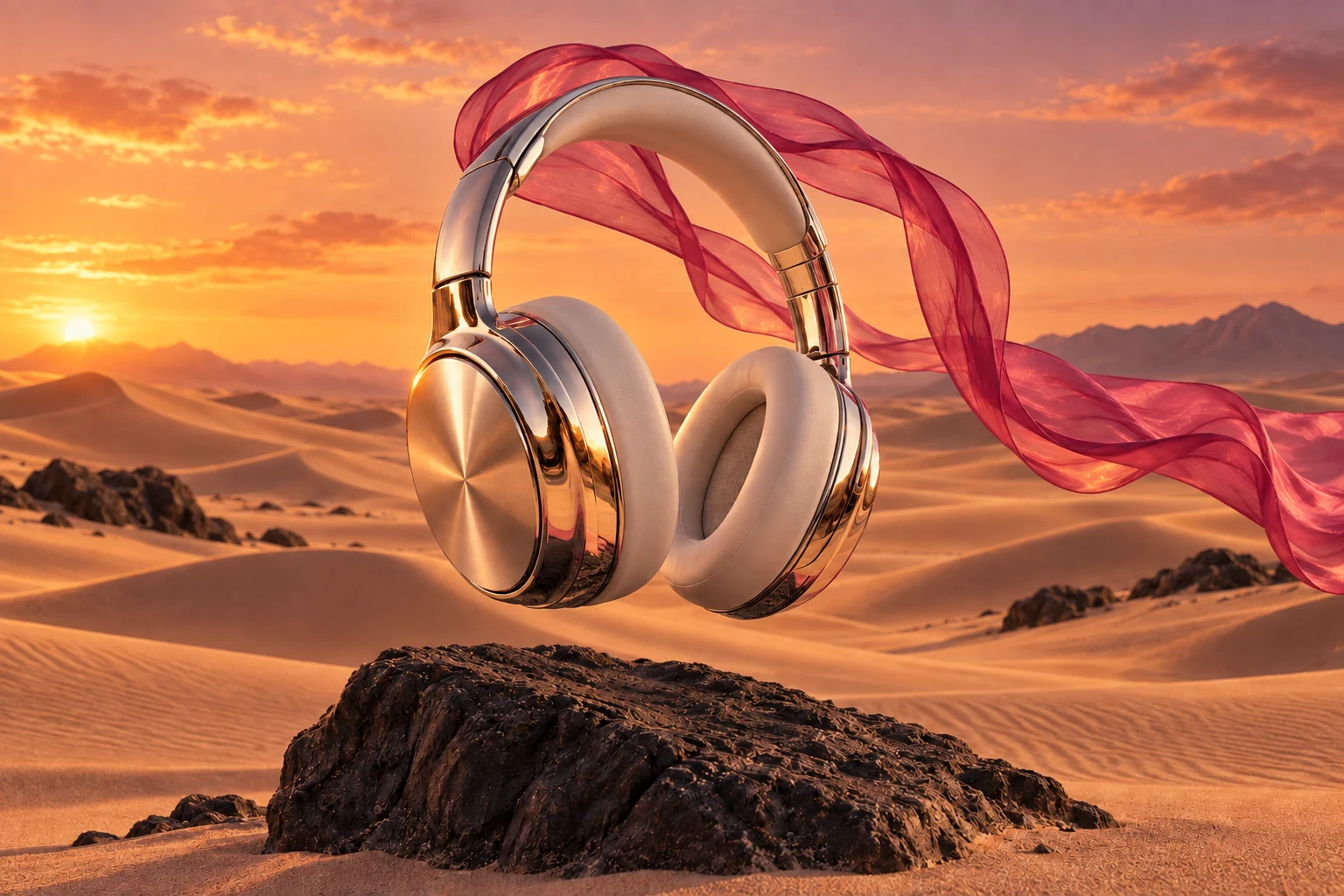
Headphones in a warm sunset lighting directionWarm sunset
Example visual directions in Nova Creative. Keep the chosen direction in a workflow you can revise.

For freelancers and small studios

From the first brief to the next round of feedback.

01

Explore three visual directions

Bring a client brief and a reference. Compare three distinct treatments before choosing what to develop.

Create three visual directions for this product launch: natural, editorial and neon.

Three images and one saved workflow.

02

Give a product image motion

Turn an existing product image into a short vertical video with the camera motion and mood you describe.

Turn this product image into a short vertical video with a slow camera move.

A playable video, a download and its editable workflow.

03

Apply the next round of feedback

Keep the same project. Adjust its prompt, lighting or motion when the client asks for a change.

Open the saved project, make the lighting warmer and generate the revised version.

Revised content in the original project.

Images and motion, one saved project

Deliver a file. Keep the way you made it.

Preview and download your generated images or videos in ChatGPT. Open the saved project in Nova when you want to inspect the workflow or make your next edit.

Generation continues if you close the chat. Return to the run to check progress or refresh its download links.

Soft Motion — example video made on the Nova Creative canvas.

Nova Creative by Novastorm

Connect your account. Review each run.

  1. Connect Nova Creative

    The public directory listing is pending approval. Developers can test the connection using the guide below.

  2. Describe what you need

    Share a brief and select any reference images. Nova saves the workflow in your chosen account.

  3. Review, confirm, download

    Check the configuration and estimated usage, then confirm generation. Your files appear in the chat when they are ready.

Developer connection guide

In ChatGPT developer mode, create an MCP connection to https://app.creative.novastorm.ai/mcp using OAuth. Select your Nova account and review the requested permissions. Generation requires its own permission and confirmation for each run.

Deployments must enable the generation tools and OAuth client before this preview can be tested. See the MCP setup guide for the current connection steps. Codex personal tokens support workflow authoring; generation confirmation uses the ChatGPT card.

Nova Workflow MCP

Connect your assistant to Nova

Codex can list, create and incrementally edit your saved workflows through a revocable MCP token. Open the same project in Nova to review the changes and run it.

Connect Codex
codex — nova_creative

codex

/mcp

nova_creative · connected

Add burned-in captions and a music track to “Spring drop”.

workflow_get · Spring drop

workflow_apply_operations · +2 nodes · +3 edges

Done — Caption Burn-in and Attach Audio now follow the video generator. Open the workflow and press Run.

Example Codex session