
 Flux
 SDXL
 Kling
 Veo
 Wan
 Hailuo
 MiniMax
 Seedance
 Nano Banana
 PixArt
 Hunyuan
 CogVideo
 LTX-Video
Choose a direction
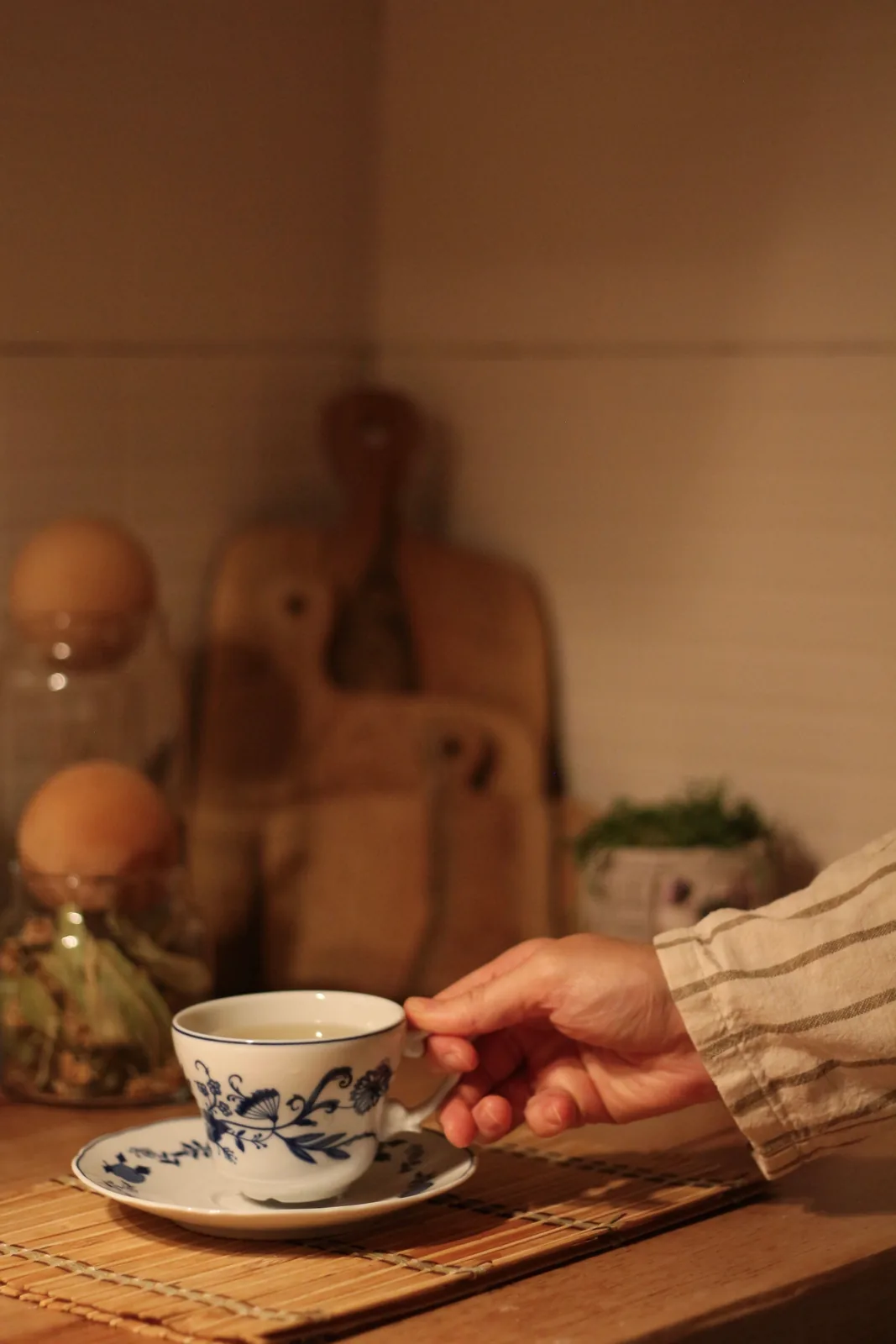
Keep the original scene and turn one everyday moment into motion.
Animate my photoExplore a starter workflow. Generation is paid.
Bring an image or video into Nova Creative. Review the prepared direction, then generate.
CREATE NEW ADS FROM YOUR ASSETS
Start from a useful image or video and explore the prepared workflow. Sign up when you are ready to run or save it.
Keep the original scene and turn one everyday moment into motion.
Animate my photo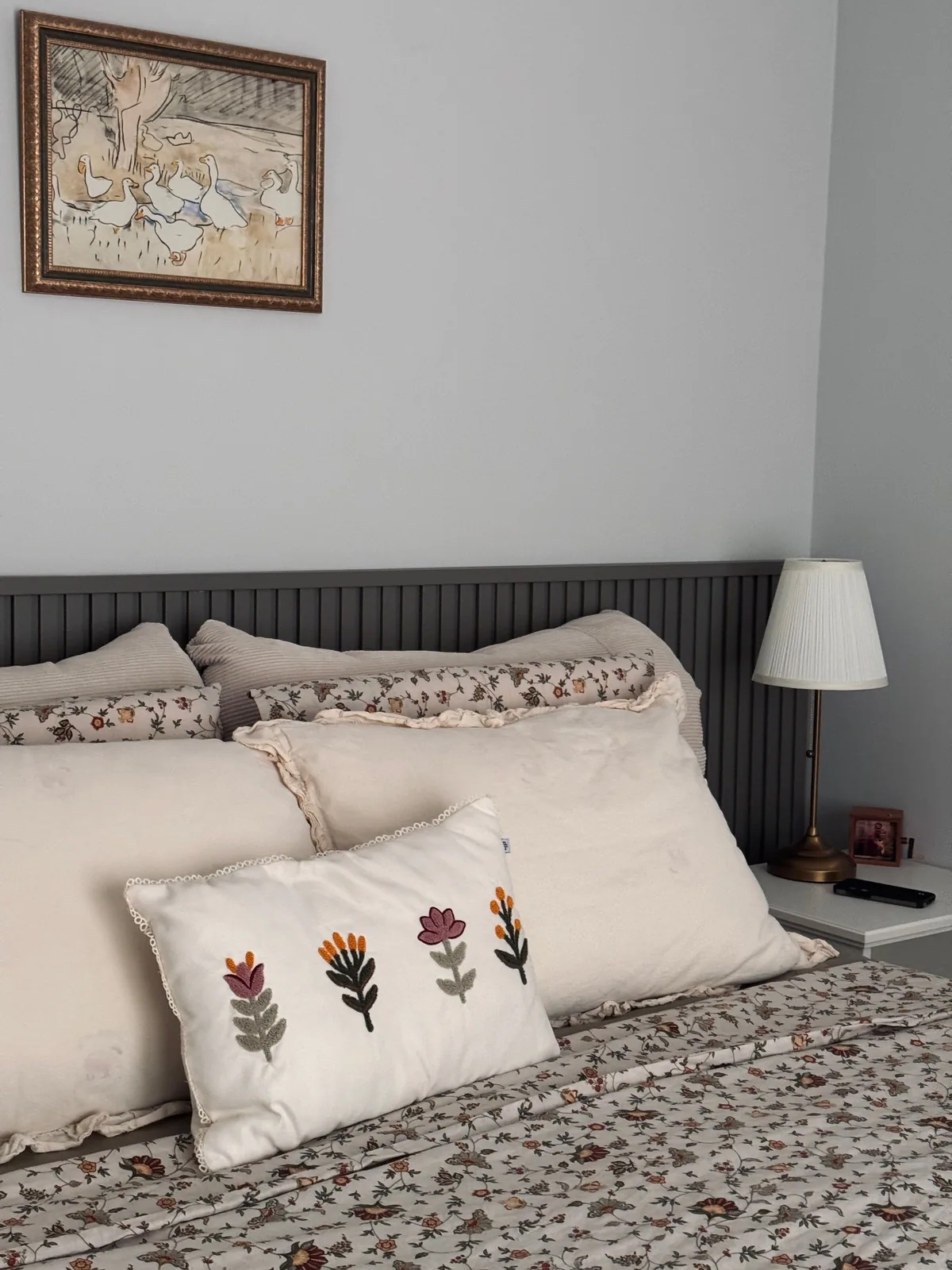
Use a bedding photo to explore a morning-room video. Check the pattern and product details against the original.
Animate my bedding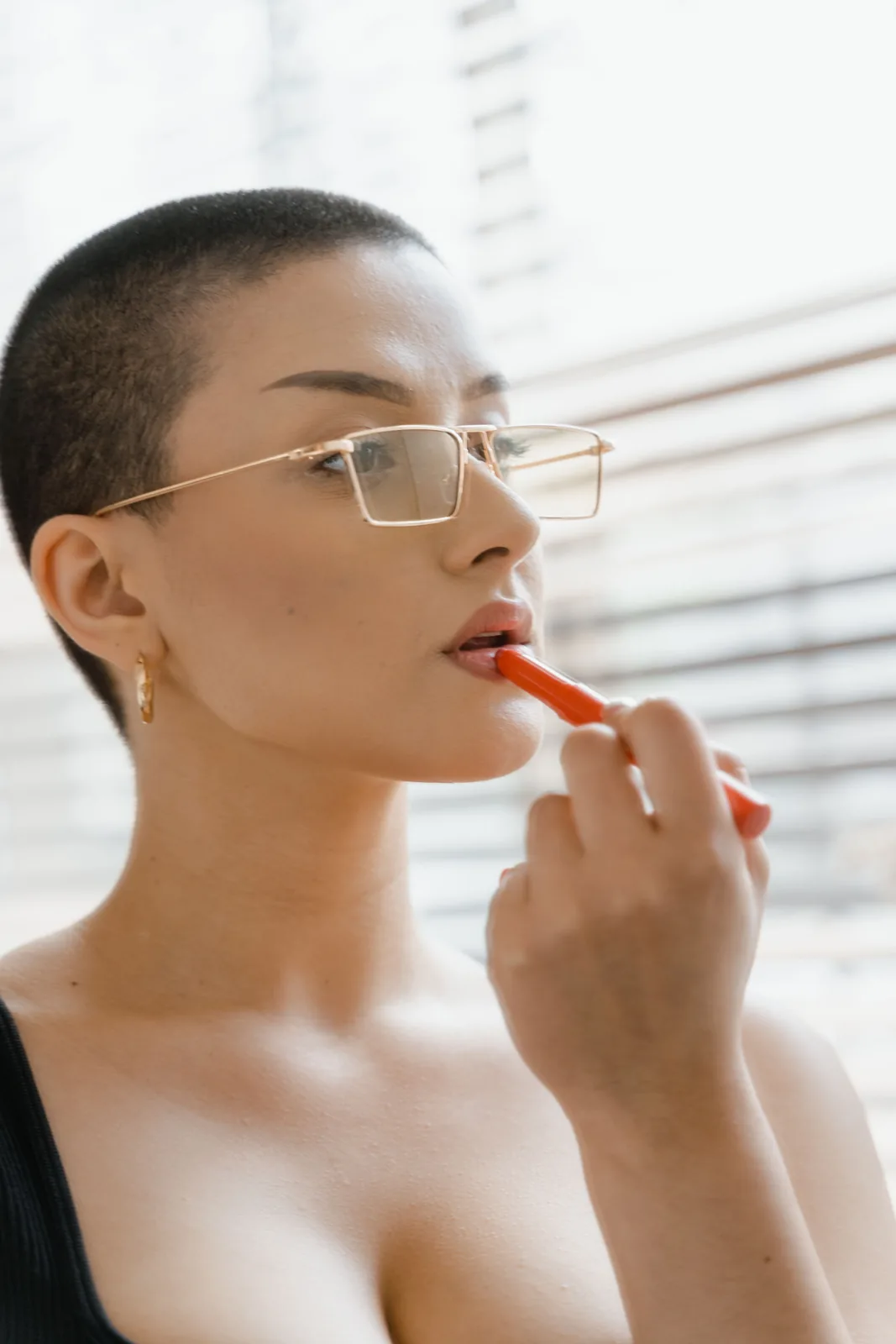
Use a lipstick photo as the reference for a short video by a mirror.
Animate my lipstick photoSEE THE WORKFLOW BEHIND THE RESULT
Choose a starter and add your asset. Review its instructions, references and model settings on the canvas before running it.
Build my ad workflowFROM UPLOAD TO READY-TO-REVIEW
Start with an image or video you already have.
Shape the prepared workflow and creative direction.
Generate a new ad from the direction you reviewed.
START WITH A REAL ASSET
Choose an image or video to upload it to Nova Creative and open a prepared workflow. Generation is paid; review the workflow before running it.
PNG, JPEG, WebP, GIF, MP4, MOV, or WebM · up to 49 MB
Choosing a file uploads it to Nova Creative and opens a prepared workflow.
Plan AI product images around a reliable reference, a specific composition, and checks for packaging, materials, shadows, and campaign use.
Read guide Creative productionTurn an open-ended request into a useful AI image brief with a subject, purpose, composition, constraints, and concrete review criteria.
Read guide Video productionSeparate camera movement from subject action, write a clear shot instruction, and troubleshoot motion that drifts or becomes too complex.
Read guide